8 Home Office Essentials for Virtual Assistants
Working from home as a virtual assistant doesn't require a picture-perfect office or the latest technology. What matters most is creating a workspace that helps you stay comfortable, organized, and focused throughout the day.
Whether you're just getting started or refreshing your current setup, investing in a few well-chosen office essentials can make a noticeable difference in how you work. The products below are items I'd recommend to virtual assistants looking to create a workspace that supports productivity without unnecessary extras.
This post contains affiliate links. If you purchase through these links, I may earn a small commission at no additional cost to you. I only recommend products I believe are useful for virtual assistants and small business owners.
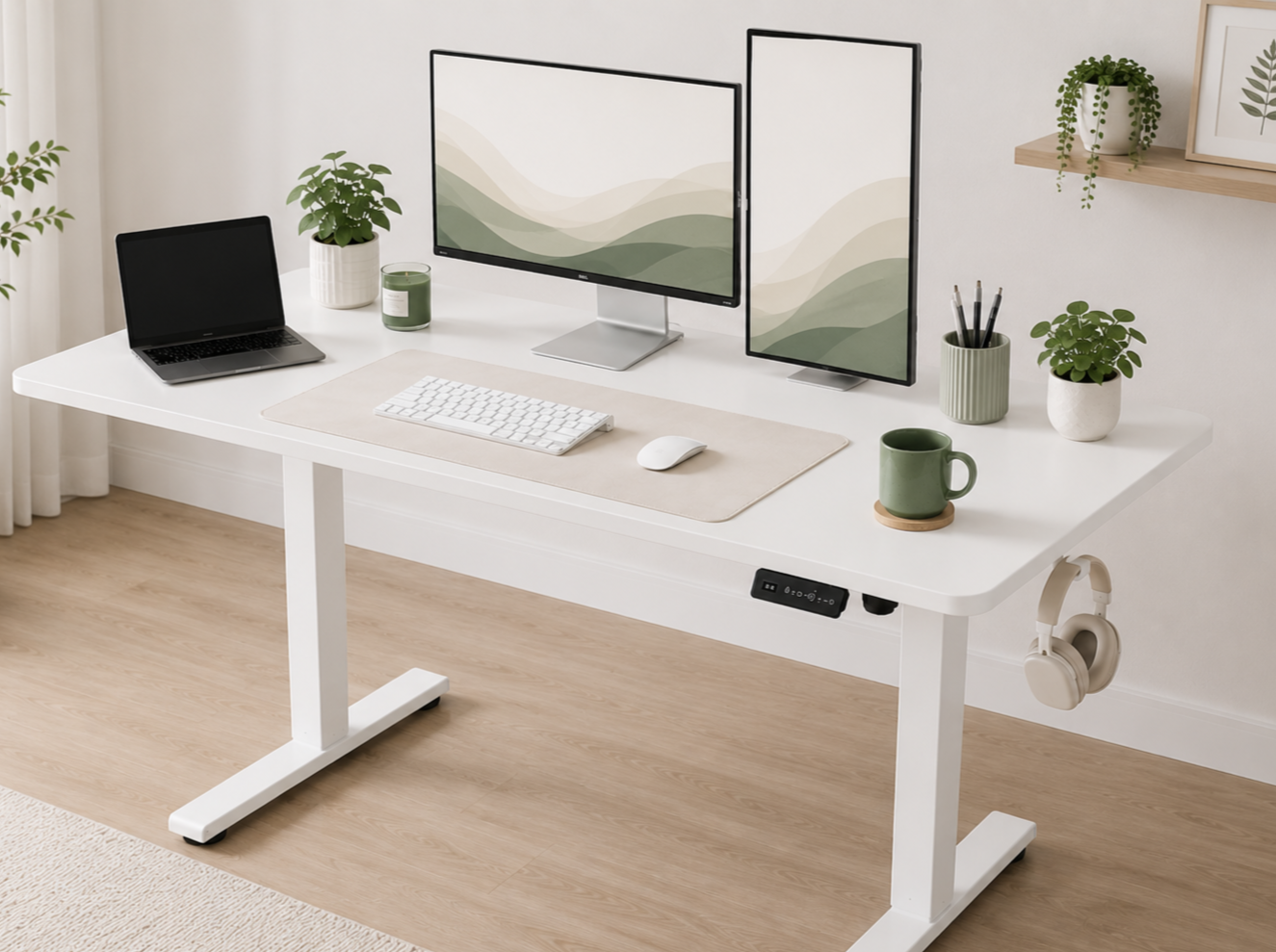
1. An Adjustable Standing Desk
If you're spending several hours each day at your desk, having the option to alternate between sitting and standing can make your workday more comfortable.
An adjustable standing desk gives you flexibility throughout the day and encourages movement, which can be especially helpful during long admin sessions or content creation days.
Why I recommend it:
Switch easily between sitting and standing
Helps reduce long periods of sitting
Creates a dedicated workspace for your business
Spacious enough for multiple devices and notebooks
Recommended Product: Cubiker Electric Standing Desk, 40" x 24" Height Adjustable Desk
2. A Comfortable Ergonomic Office Chair
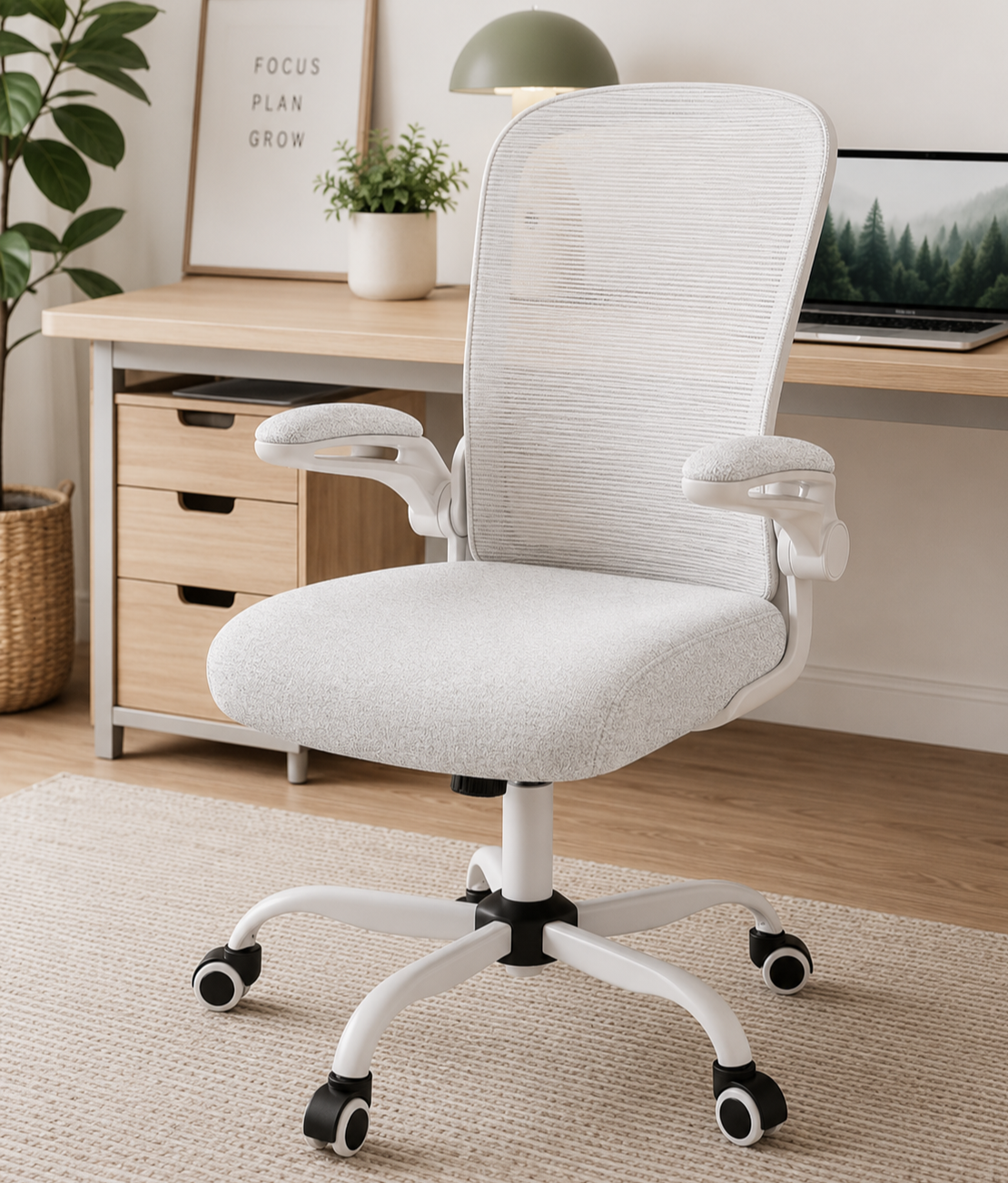
Your chair is one of the most important investments you'll make for your workspace.
A supportive chair can make a big difference when you're working on client projects, attending meetings, or spending hours at your computer. Look for adjustable lumbar support and a chair that encourages good posture.
Why I recommend it:
Better support during long work sessions
Adjustable features for a personalized fit
Comfortable enough for daily use
Helps create a more enjoyable workspace
Recommended Product: Mimoglad Home Office Chair with Adjustable Lumbar Support
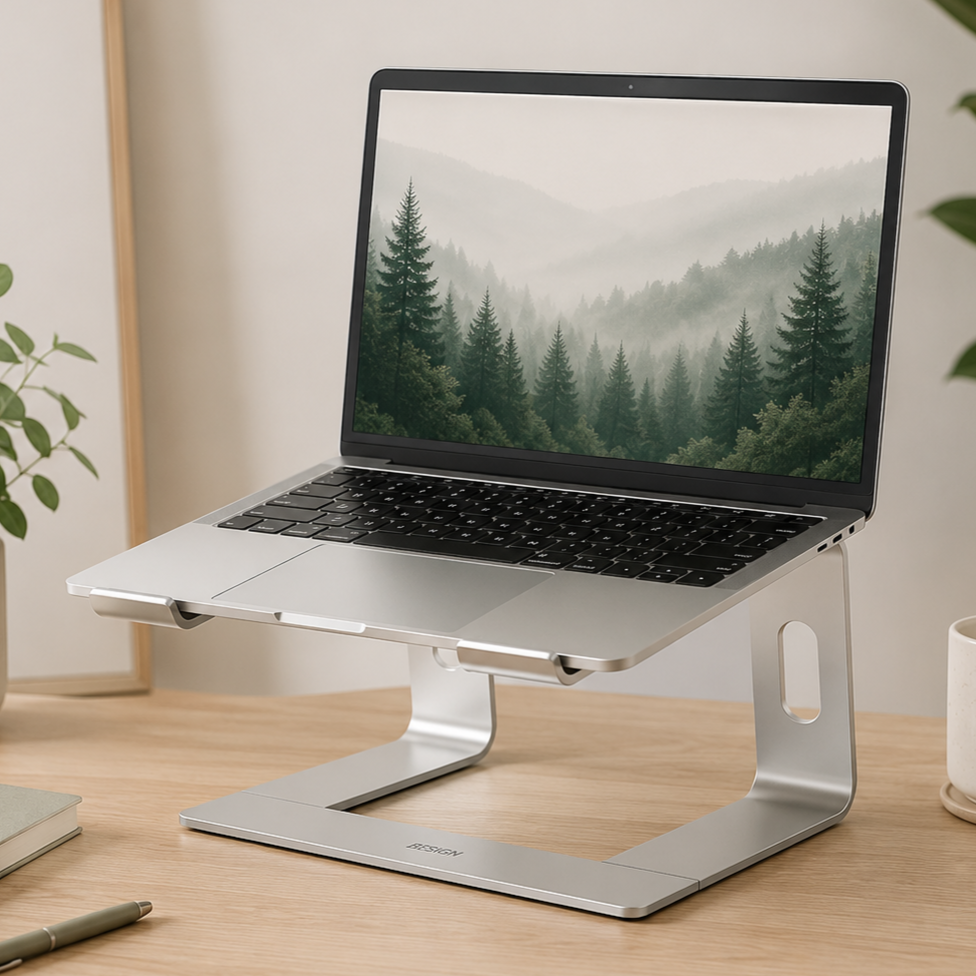
3. A Laptop Stand
Working directly from a laptop often means looking down for hours at a time.
A laptop stand raises your screen closer to eye level, making it easier to maintain better posture. It also creates additional space underneath for notebooks or other office supplies.
Why I recommend it:
Raises your screen to a more comfortable height
Encourages better posture
Creates extra desk space
Lightweight and easy to move
Recommended Product: BESIGN LS03 Aluminum Laptop Stand
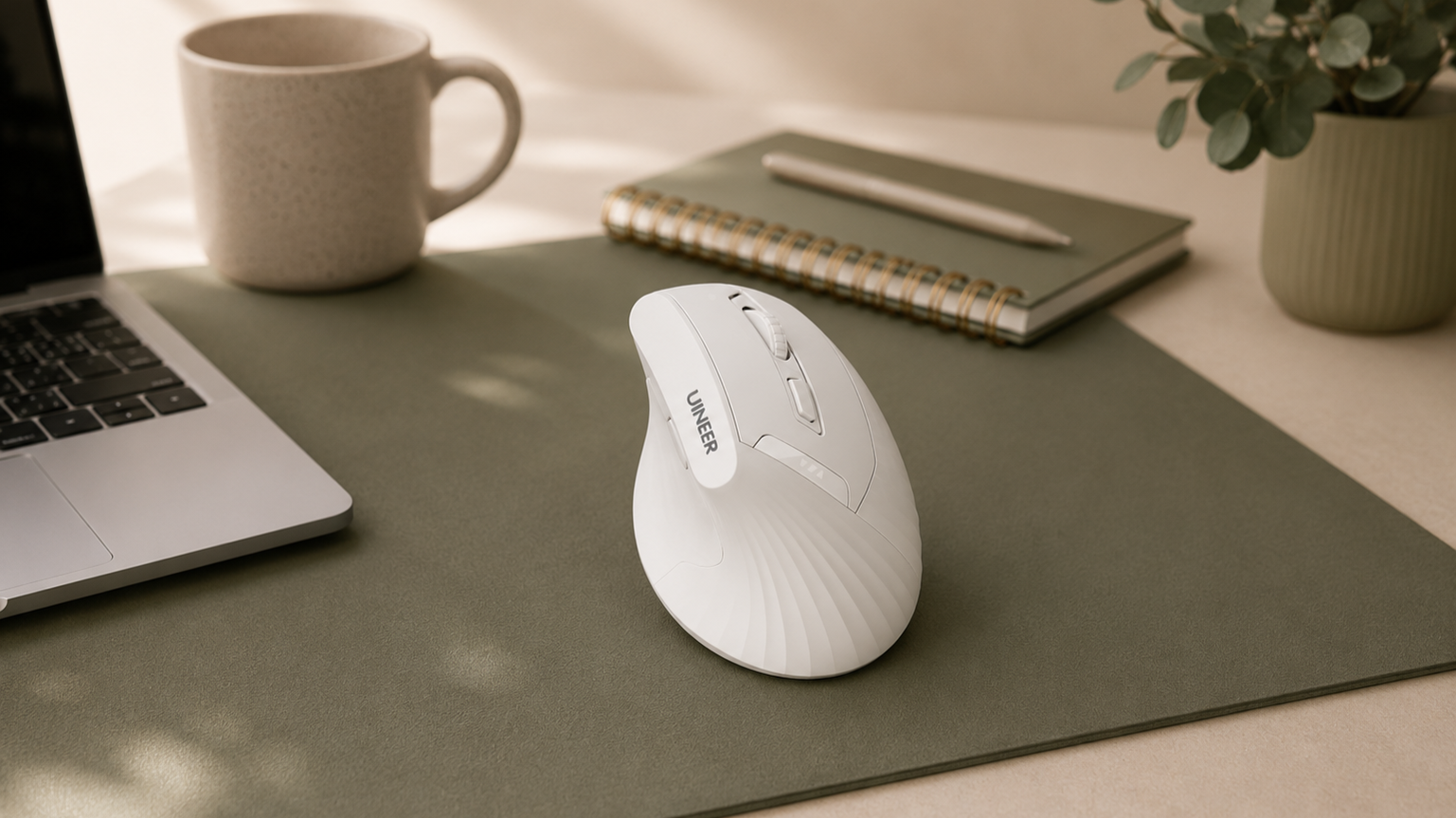
4. A Vertical Mouse
Many virtual assistants spend their day replying to emails, updating spreadsheets, scheduling content, or working inside client systems. That's a lot of clicking.
A vertical mouse places your hand in a more natural position, which many people find more comfortable during extended computer use.
Why I recommend it:
Comfortable for long work sessions
Wireless convenience
Rechargeable battery
Easy to switch between devices
Recommended Product: Vertical Wireless Bluetooth Mouse
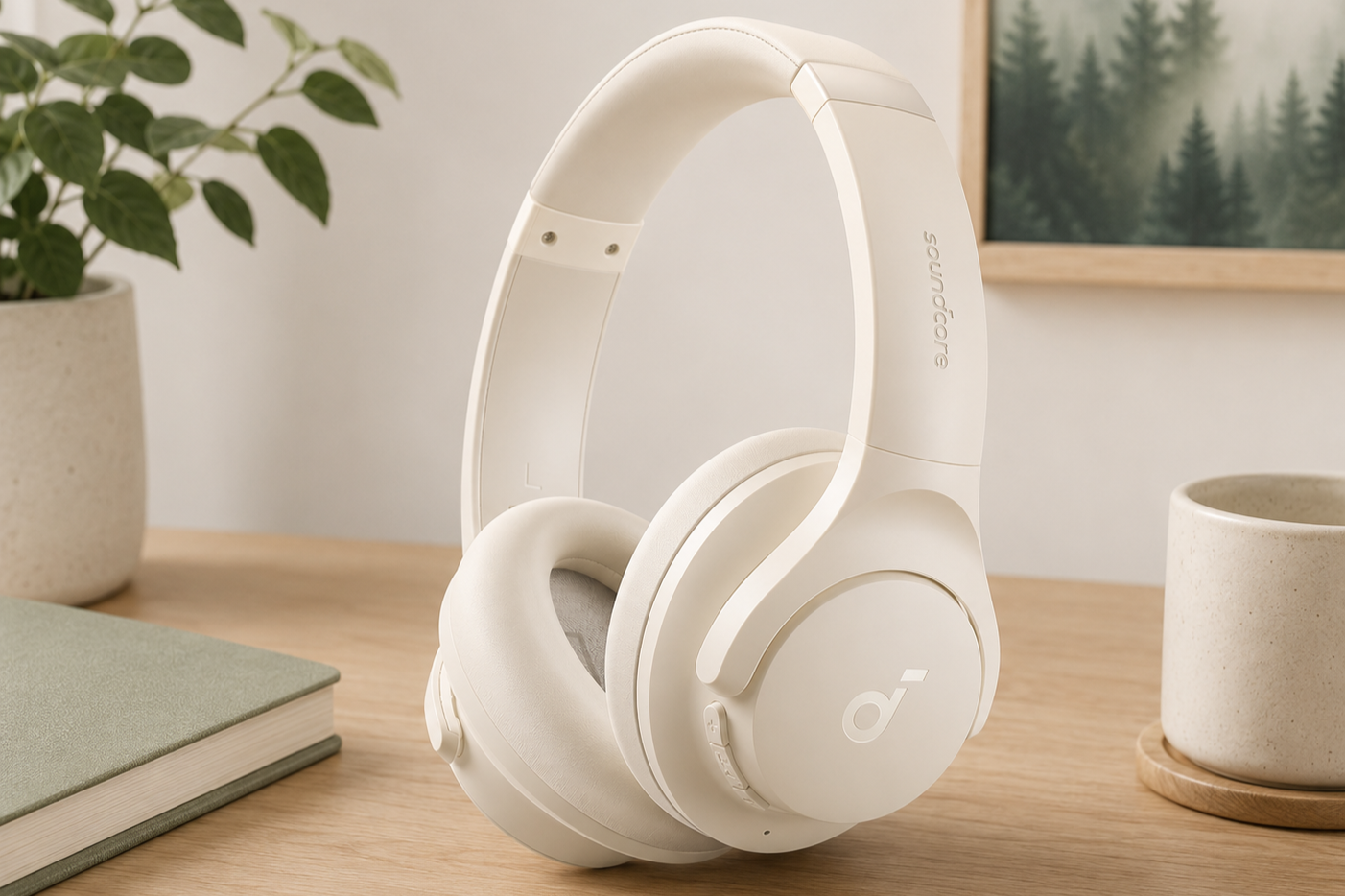
5. Noise Cancelling Headphones
Whether you're working from home with family nearby, in a shared office, or simply want to stay focused, a good pair of headphones can help reduce distractions.
They're also useful for client meetings, webinars, and online training.
Why I recommend it:
Helps reduce background noise
Great for video calls
Comfortable for extended wear
Wireless convenience
Recommended Product: Soundcore by Anker Q20i Hybrid Active Noise Cancelling Headphones
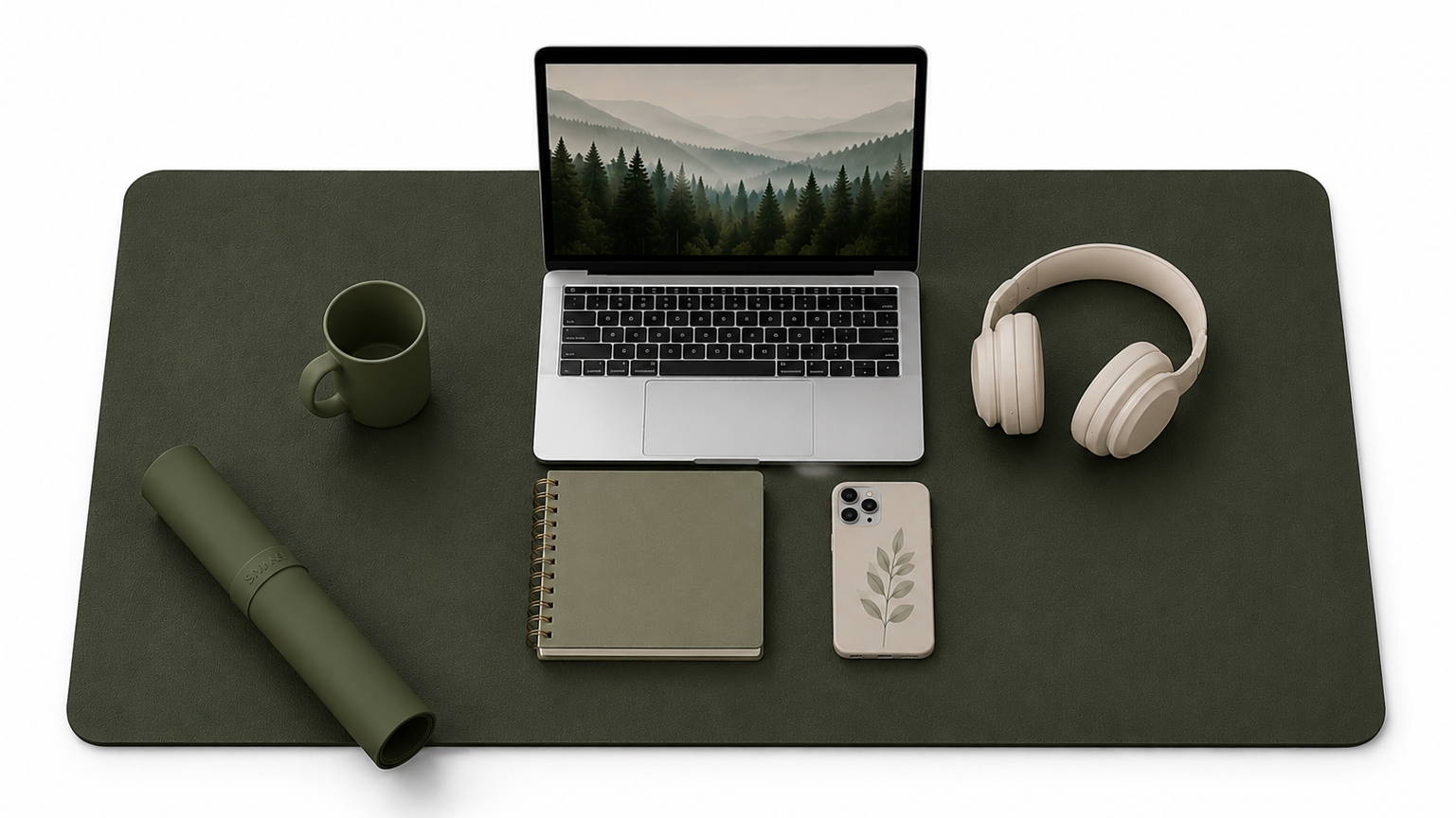
6. A Large Desk Pad
A desk pad may seem like a small addition, but it helps protect your desk while creating a clean, organized workspace.
It also provides a smooth surface for your mouse and keyboard and makes your workspace feel more polished.
Why I recommend it:
Protects your desktop
Creates a dedicated work area
Easy to clean
Comfortable writing surface
Recommended Product: Non-Slip Waterproof PVC Leather Desk Pad
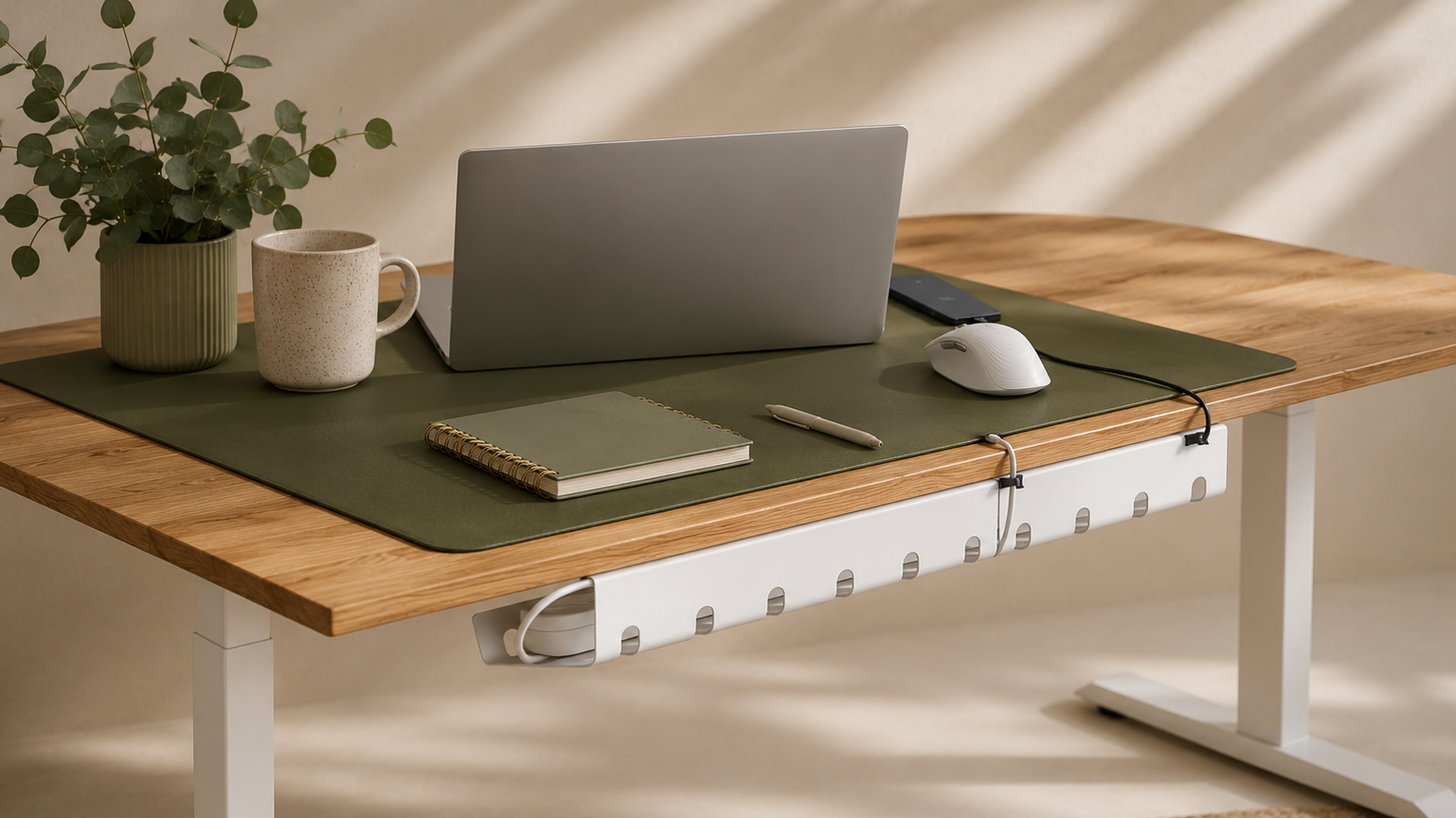
7. Under-Desk Cable Management
Few things make a workspace feel cluttered faster than tangled cables.
Keeping cords organized not only looks better but also makes cleaning easier and helps prevent cables from getting caught or damaged.
Why I recommend it:
Keeps cords hidden and organized
Creates a cleaner workspace
Easy to install
Helps reduce desk clutter
Recommended Product: PAMO Under Desk Cable Management Set
8. A Notebook for Daily Planning
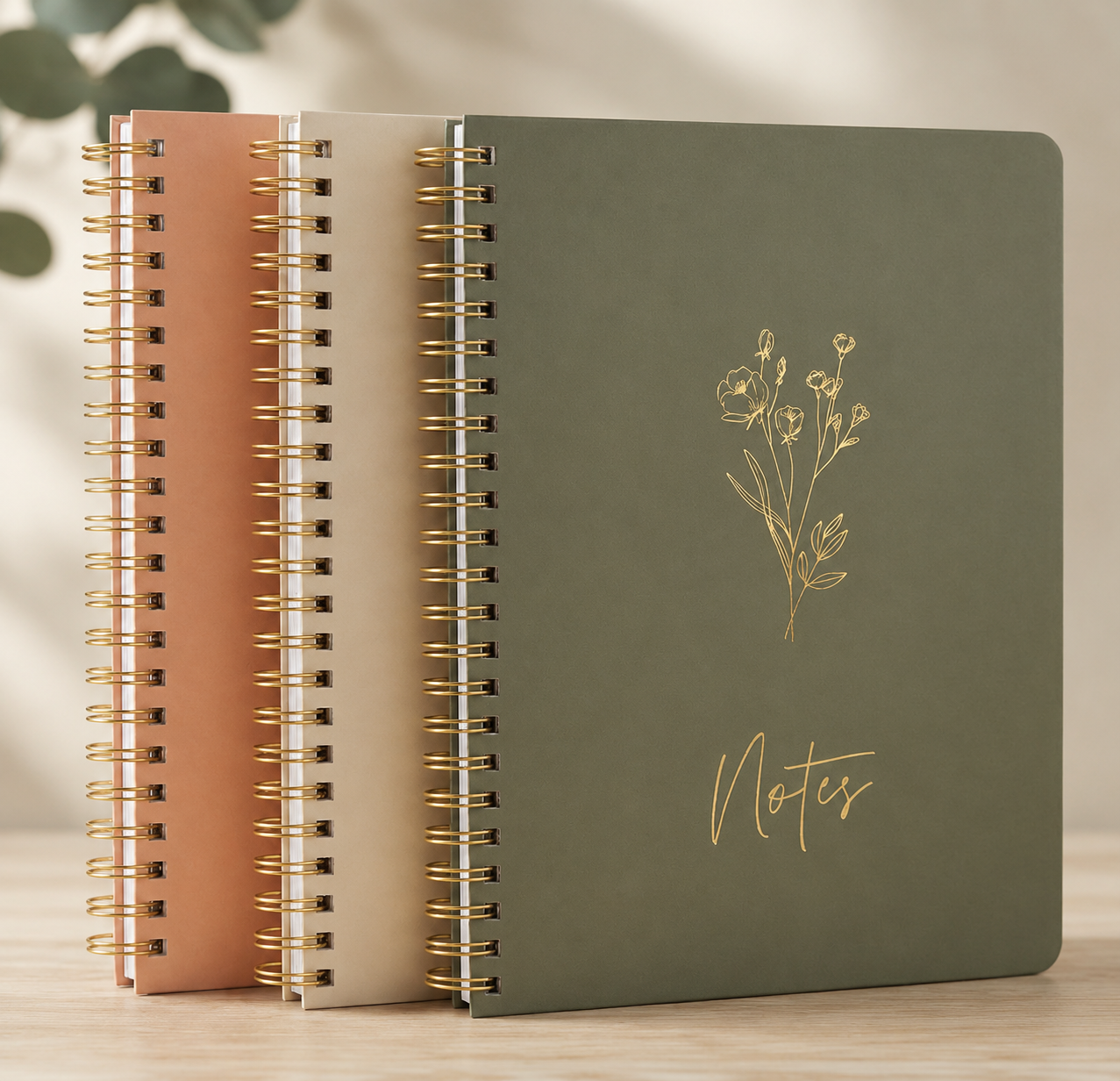
Even with digital task managers and calendars, many virtual assistants still like having a notebook nearby for quick notes, meeting reminders, and daily to-do lists.
Writing things down can be a simple way to stay organized without constantly switching between screens.
Why I recommend it:
Perfect for daily planning
Great for client meeting notes
Helps capture ideas quickly
Easy to keep beside your computer
Recommended Product: ZICOTO Aesthetic Spiral Notebook Set
Creating a workspace you enjoy using is something that happens over time. Start with the essentials that will have the biggest impact on your comfort and productivity, then add to your setup as your business grows.
A workspace that feels organized and comfortable can help you stay focused and make your workday a little easier.
Thanks for Reading
I'm excited to be building the Savvy Desk blog into a resource for virtual assistants and small business owners.
You'll find more articles here soon covering organization, workflows, tools, home office ideas, client communication, and other topics that support virtual assistants in their day-to-day work.
I hope you'll visit again as the blog continues to grow.

What is the most important home office item for a virtual assistant?
If you're just starting out, I'd prioritize a comfortable chair and a reliable desk. Since you'll likely spend several hours each day at your computer, these two items provide the foundation for a productive workspace.
Do I need an expensive home office setup?
Not at all. A functional workspace is more important than an expensive one. Start with the basics and upgrade as your business grows.
Can I work as a virtual assistant from a laptop?
Yes. Many virtual assistants work successfully from a laptop. Adding a laptop stand, external mouse, and comfortable workspace can make it much more enjoyable for longer work sessions.
How can I keep my home office organized?
Choose simple storage solutions, manage your cables, keep only your daily essentials on your desk, and develop a habit of tidying your workspace at the end of each day.